
Book the Job from the Job Site
Plumbers, electricians, HVAC and cleaning companies: your business line rings the office and the crew’s mobiles, and nights and weekends follow your own rules.
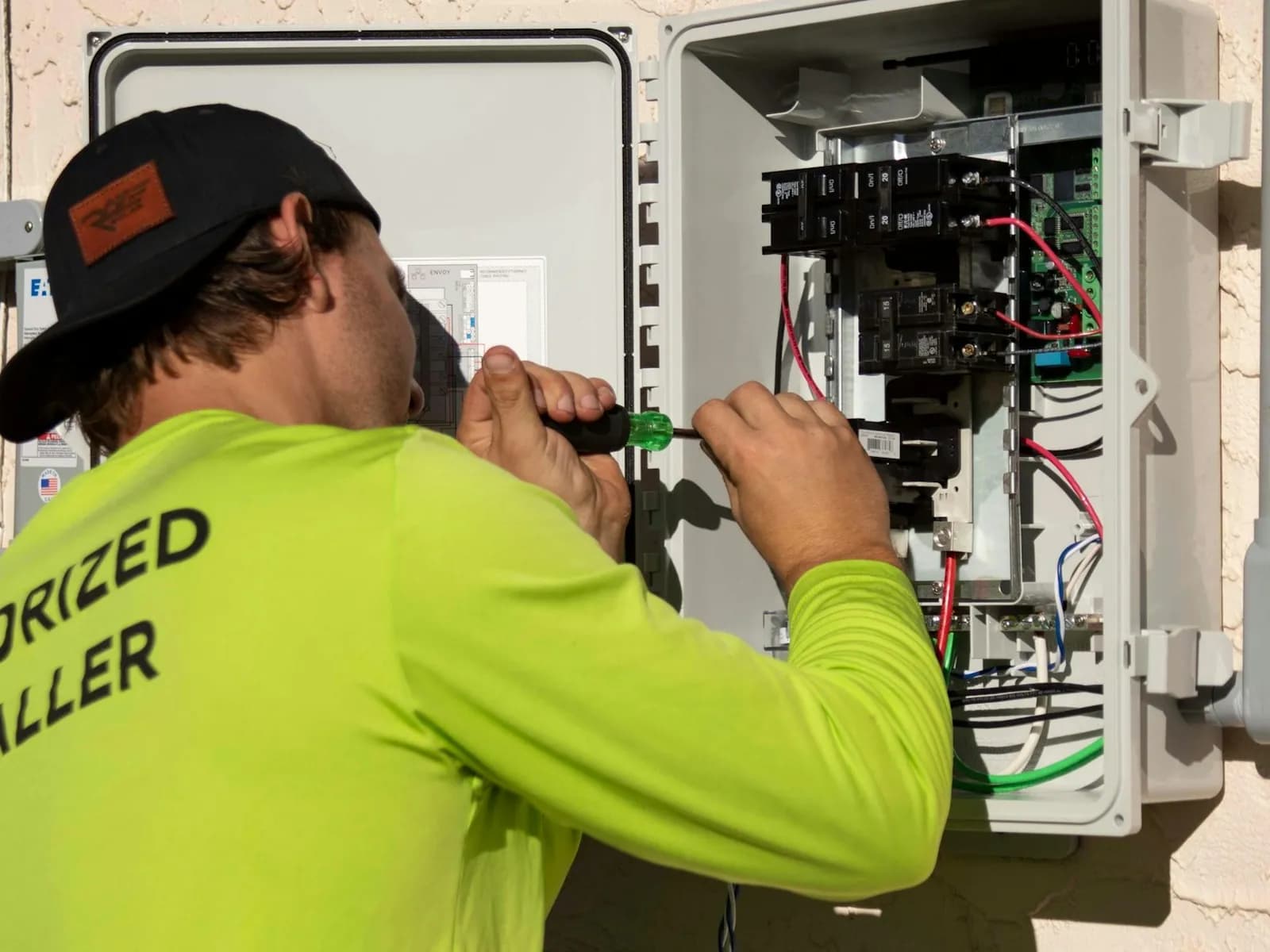
Why Contractors and Home Services Choose Telonium
Business Line on Every Mobile
Customers call one number; it rings the office and the field.
After-Hours Routing
Send nights and weekends to the on-call tech or voicemail.
A Greeting That Sounds Established
“Press 1 to schedule, 2 for an emergency.”
Business Texting
Text customers when you’re on the way, from your business number, after a one-time texting registration.
Local Numbers
A number in each area code you serve.
See What You’re Missing
Call analytics show missed calls and your busiest hours.

A Typical Setup
An HVAC Company with an Office Manager and 4 Technicians
- 1Greeting. “Press 1 to schedule service, 2 for a no-heat or no-cool emergency.”
- 2Scheduling. Rings the office manager, then the owner’s mobile.
- 3Emergencies. Ring the on-call technician’s mobile; change who’s on call each week in the portal.
- 4Nights and holidays. Your hours and the emergency option, set once with business and holiday hours.
- 5On the way. Text the customer from the business number, after a one-time texting registration.
Questions About Telonium for Contractors and Home Services
Can the on-call tech change each week?
Yes. Change who after-hours calls ring in the portal any time.
Can I keep my existing number?
Yes. Most numbers can move; check yours on our Keep your number page.
Do my techs need a second phone?
No. The Telonium app puts the business line on the phone they already carry.
What if the office internet goes down?
Calls go to a backup number you choose, such as your mobile, and anyone on the app keeps taking calls over their cell signal.
Set Up Your Business Phone System Today
Pick your numbers, keep the ones you have, and add your team. Sign up online in about ten minutes; we usually approve accounts within one business day.