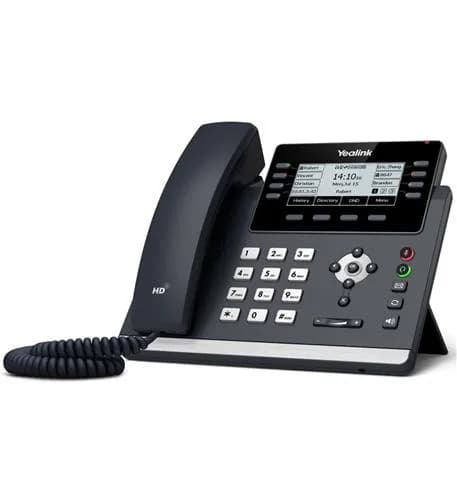
Yealink T43U
Everyday desk phone with eight call keys
$105
In stock · power adapter included
- 3.7″ backlit display
- Your computer can share the phone’s network cable
- Can be powered by the network cable
- Port for a USB headset

Every phone you order with us arrives set up for your extension. Plug it in and make a call. Or skip hardware entirely: the Telonium app runs on any computer or mobile.

Three levels of desk phones. Most offices mix and match: entry phones for most desks, a professional phone at the front desk, an executive phone for the owner.
Everyday desks and shared phones
The front desk and anyone on the phone all day
Owners, managers and executives
Walking around? The W73P cordless phone, up to 10 handsets on one base.
Loud shop or warehouse? Loud ringers and overhead speakers, ask us.
No hardware at all? The Telonium app, included.
How it works
Pick phones when you sign up, or add them later. Shipping typically takes 3 to 5 business days.
Each phone is set up for its extension before it ships, so there is nothing to configure.
Plug it into your internet router with the cable in the box. It picks up its settings and is ready to ring.
For everyday desks, the front desk and anyone who lives on the phone.
Everyday desk phone with eight call keys
$105
In stock · power adapter included
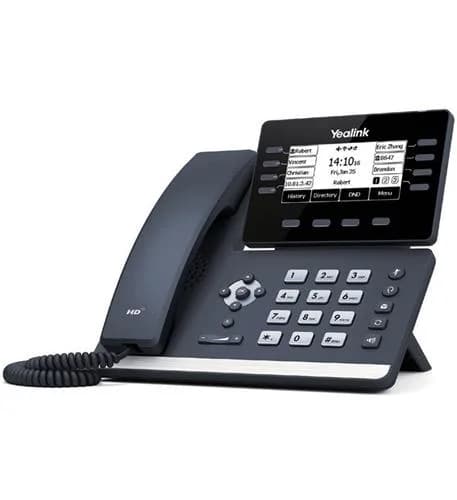
Desk phone with Wi-Fi and Bluetooth
$135
In stock · power adapter included
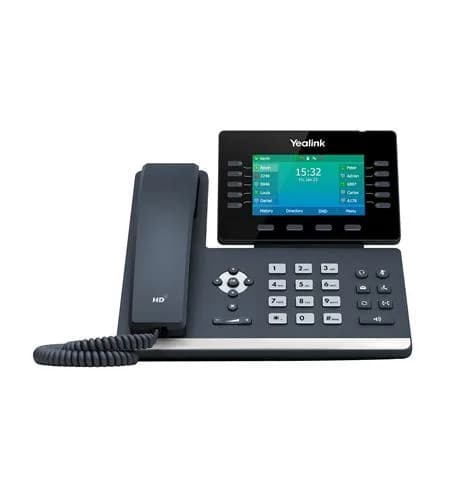
Front-desk phone with ten call keys
$159
In stock · power adapter included
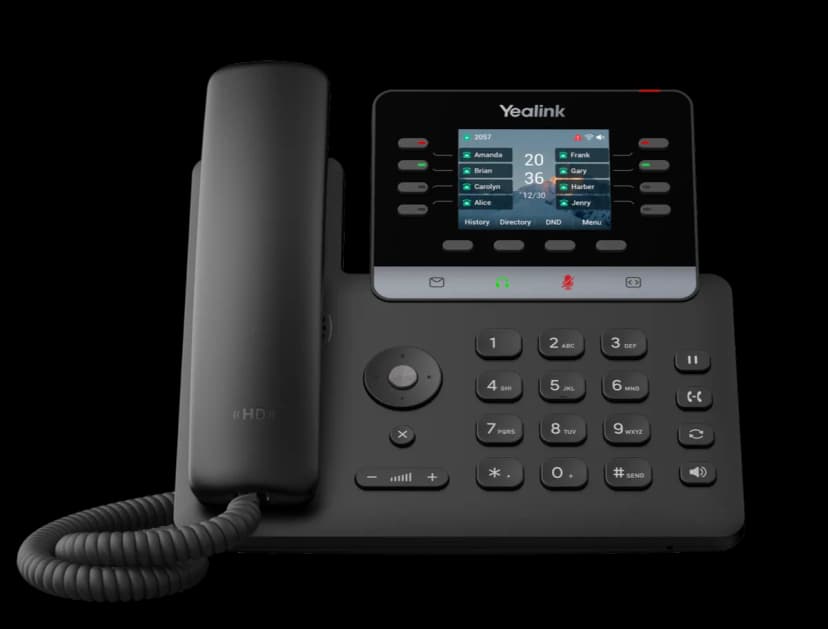
Slim desk phone with a color screen and eight call keys
$129
In stock · power adapter included
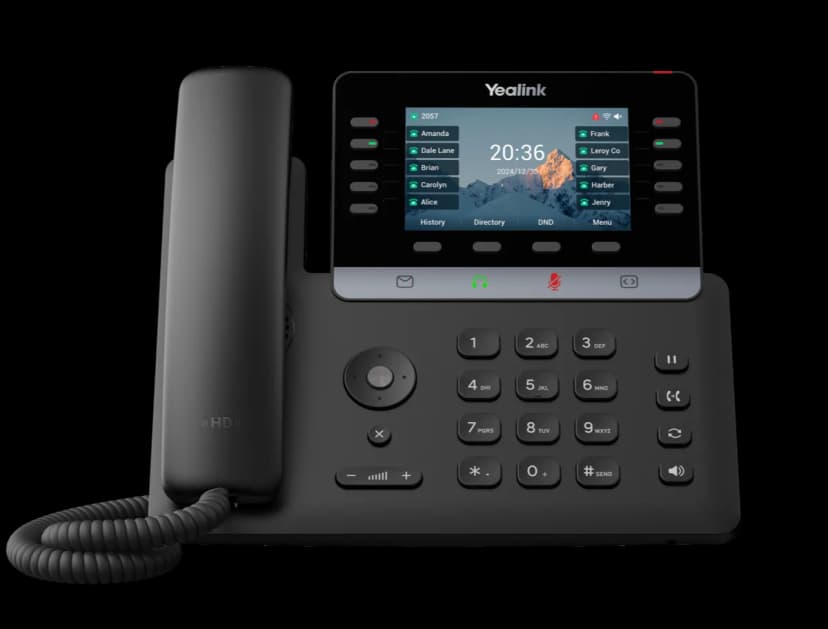
Slim desk phone with a large color screen and ten call keys
$169
In stock · power adapter included
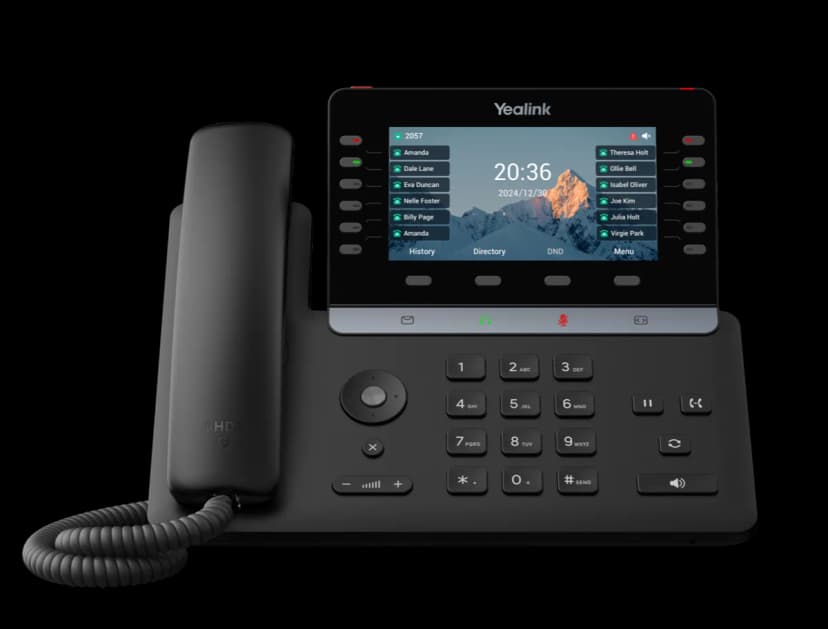
Executive desk phone with a large screen and twelve call keys
$189
In stock · power adapter included
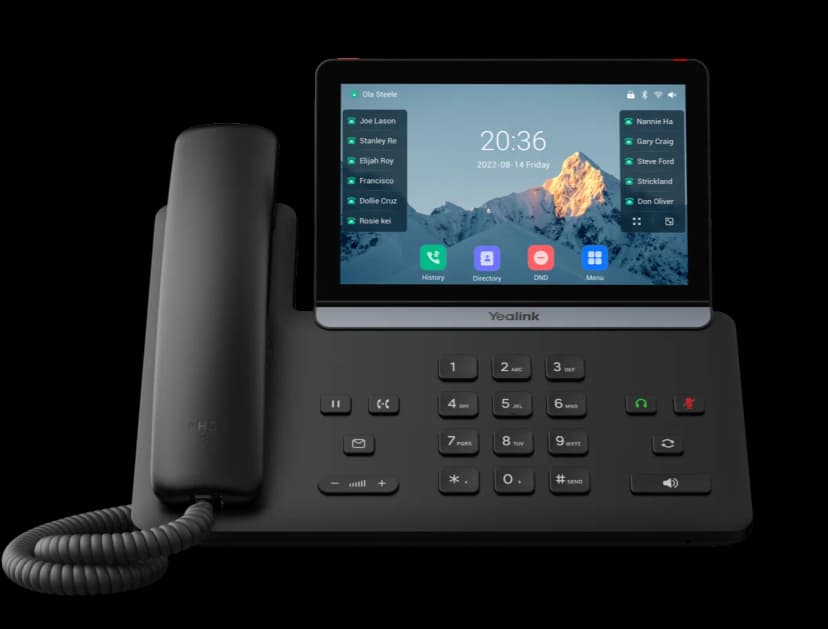
Desk phone with a 7-inch color touchscreen
$249
In stock · power adapter included
For shops, warehouses and anyone who walks while they talk.
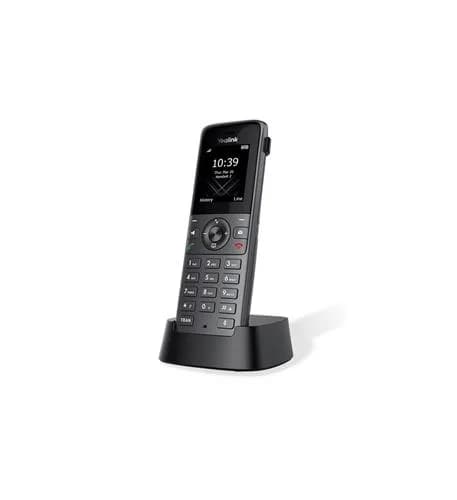
Extra handset for the W73P base
$89
In stock · power adapter included
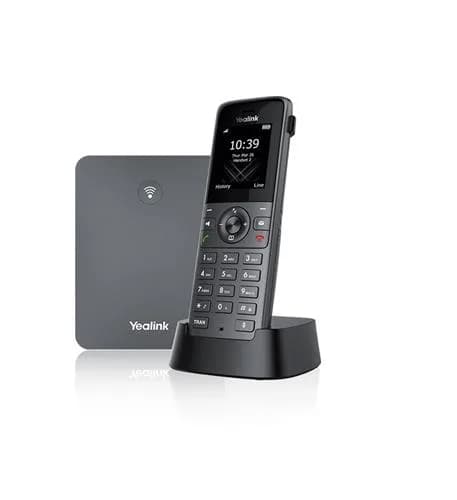
Cordless handset with base
$169
In stock · power adapter included
More keys for the people who transfer and watch lines all day.
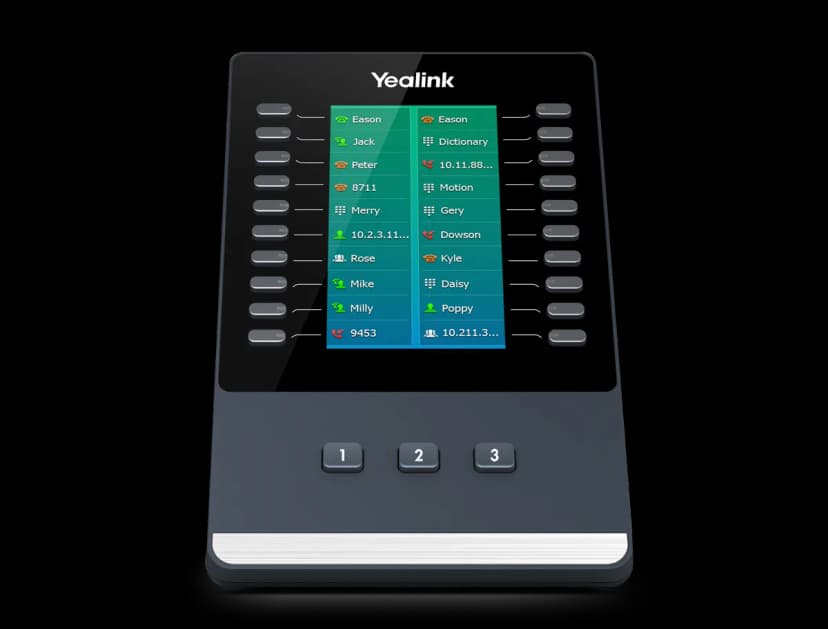
20 more keys for T5 series phones
$99
In stock
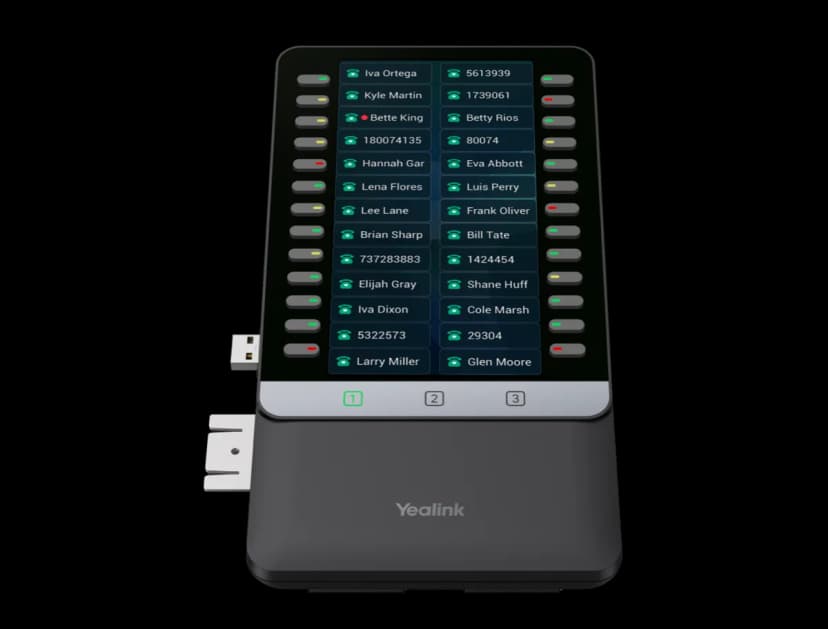
Color key panel for T7 and T8 series phones
$119
In stock
Phone prices include the power adapter. One-time purchase, plus applicable taxes.
No hardware needed
The Telonium app puts your extension on your computer and mobile at no extra cost. Use it on its own, or alongside a desk phone: calls ring both.
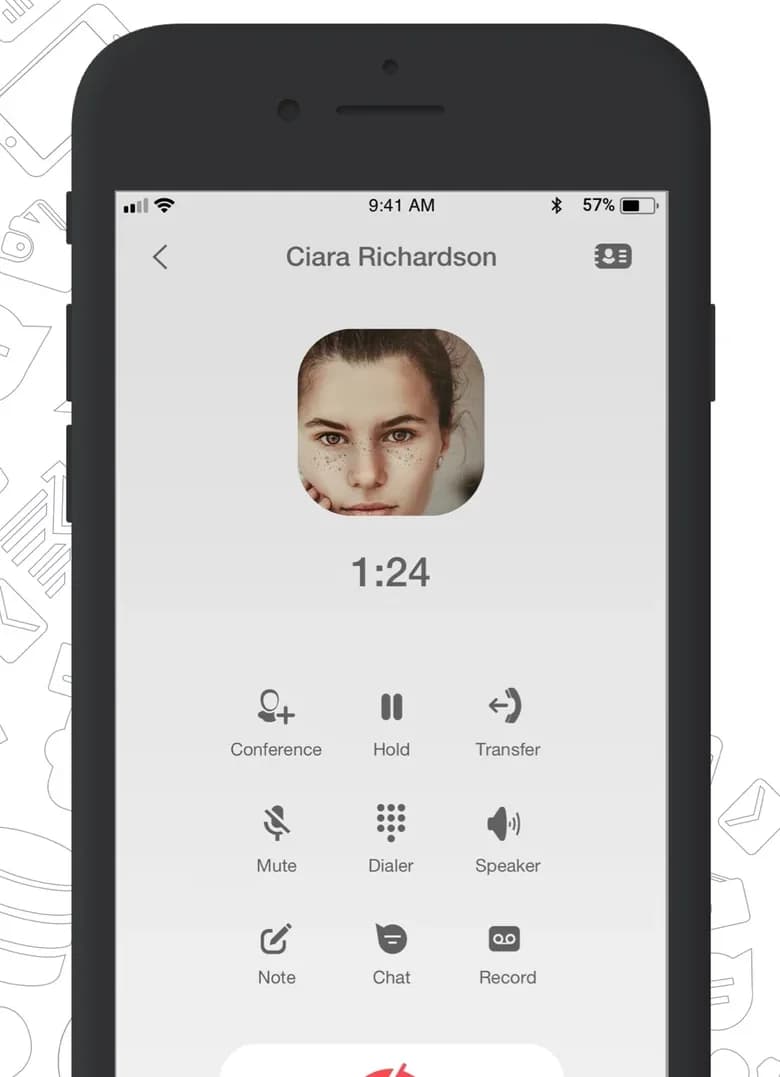
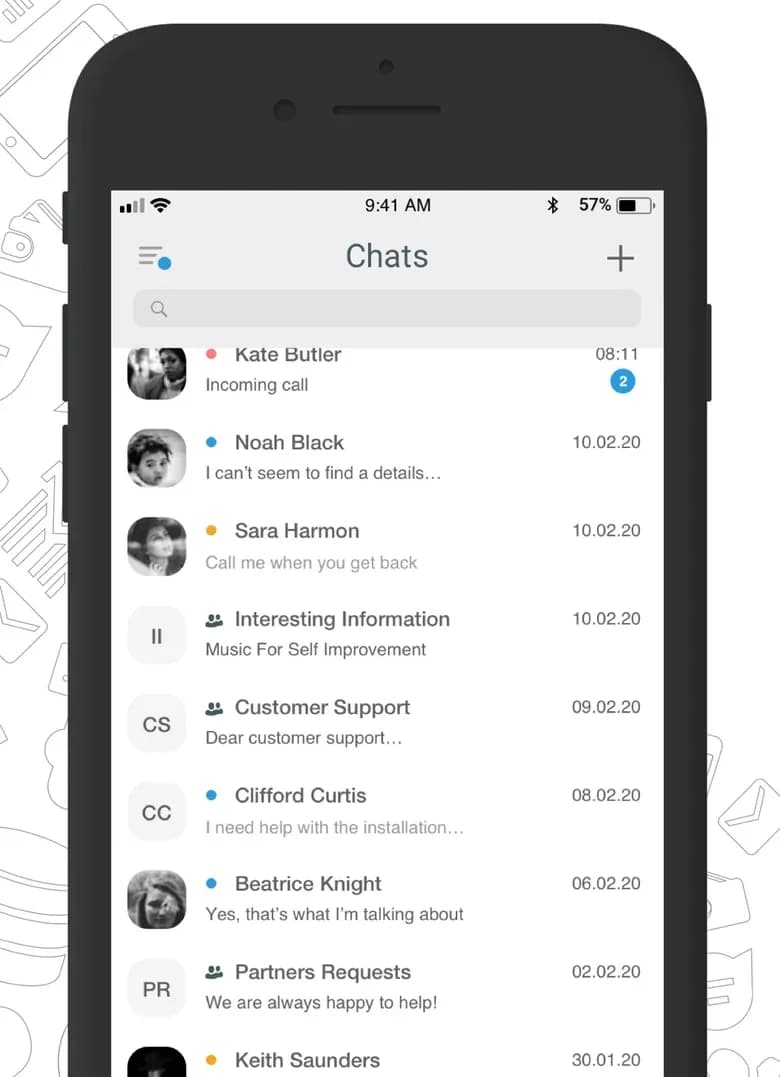

No. Desk phones are optional: the Telonium app runs on Mac, Windows, iPhone and Android with your extension, and many teams use only the app.
Yes. Phones you order with your account arrive set up for your extension. Plug one into your network and it is ready to call. If you would like a hand, call us and we will walk you through it.
If they are internet phones (the kind that plug into your network with an Ethernet cable), usually yes: we configure them remotely for your service. Older phones that plug into a wall phone jack need to be replaced, or use the app instead.
Into your internet router or network switch with an Ethernet cable, and into a power outlet with the power adapter, which is included in the price. Many of our phones can also get their power through the network cable from a switch that supports it, and most let a computer share the same cable.
Yes. Every phone’s price includes its power adapter, so there is nothing else to buy to plug it in.
Yes. Every phone on this page is available to order with your account, set up for your extension before it ships. Shipping typically takes 3 to 5 business days.
Shipping typically takes 3 to 5 business days.
Not at this time. Phones are a one-time purchase, and there is no contract on the service.
Pick phones when you sign up or add them later in the portal; they arrive set up and ready to plug in.