
Is Your Internet Good Enough for Internet Phones?
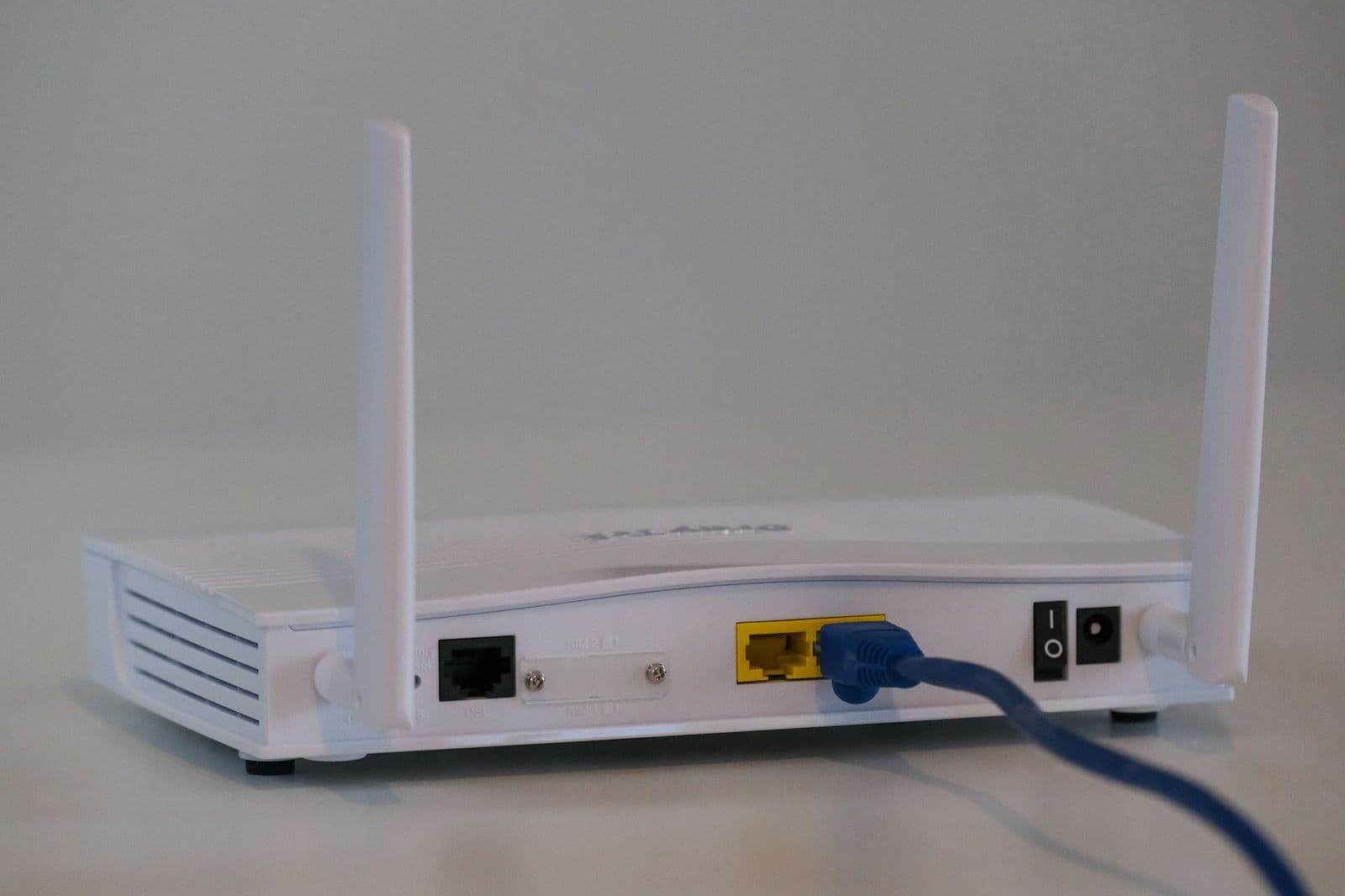
If your office internet handles video calls and streaming without trouble, it is very likely good enough for internet phones. Phone calls use only a small part of a typical business connection. What matters more is that the connection is steady, and that a few simple things are set up well.
Owners often worry about this before switching, so here is a plain look at how internet for business phones works and what to check.
How Do Internet Phones Use My Connection?
An internet phone, often called VoIP (voice over the internet), turns your voice into small pieces of data and sends them over your connection, the same way email or a web page travels. With a cloud phone system, the phone system itself runs online, so all your office needs is the connection and the phones or apps.
A voice call is light compared to a video call or a big file upload. The thing that hurts calls is not a slow connection so much as an uneven one: moments where the line is busy or drops for a second. That is when voices sound choppy or cut out.
Can I Use Wi-Fi, or Does It Need a Cable?
Both work. The Telonium app runs on Mac, Windows, iPhone and Android over any high-speed connection, including Wi-Fi and your phone's cell signal (4G or 5G).
- Desk phones plug into your office network with a cable, which is the steadiest option. They arrive set up and ready to plug in. You can see the models on our desk phones page.
- Laptops and computers work well on Wi-Fi close to the router. If someone sits at the far end of the office, a network cable or a better Wi-Fi setup helps.
- Cell phones can use Wi-Fi or their cell signal, whichever is better where you are standing.
What If Calls Sound Choppy?
Choppy calls almost always come down to something you can check yourself. Try these in order:
- Check what else is happening. A large backup, a video upload or several people streaming at once can crowd out calls. Schedule big backups for after hours.
- Move closer to the router, or try a cable. If the problem goes away, the issue is Wi-Fi coverage, not your internet.
- Restart the router and modem. It sounds too simple, but it clears up a lot.
- Try another network. On a cell phone, turn Wi-Fi off and use the cell signal. If the call sounds better, the office or public Wi-Fi is the weak spot.
- Keep the app updated on every device.
- Call your internet provider if the problem happens on a cable too. Ask them to check the line for drops.
If you are not sure where the trouble is, call our support team. We can look at it with you.
Can I Use My Phone's Cell Signal Instead?
Yes. The Telonium app works over 4G and 5G, so a cell phone with a good signal can make and take business calls without any Wi-Fi at all. That is handy on job sites, in the car (hands-free) and on days the office internet is down.
What Happens If the Internet Goes Down?
Your phone number does not live in the office, so it keeps answering even when your office connection is out. You have a few safety nets:
- The app on cell phones. Staff can keep answering the business number over their cell signal.
- A backup number. If the system cannot reach your phones, calls go to a backup number you choose, such as the owner's cell, instead of failing.
- Voicemail to email. Any message that is left reaches your inbox, wherever you read it.
We wrote more about planning for bad days in our post on forwarding business calls when the office is closed.
A Quick Internet Check Before You Switch
- Make a video call from the spot where people will take phone calls. If it is smooth, calls will be too.
- Walk the office with a laptop and note where Wi-Fi gets weak.
- Find out when big backups or uploads run.
- Decide which desks get a cable.
- Install the app on everyone's cell phone as a backup.
Frequently Asked Questions
Do I Need to Upgrade My Internet for Business Phones?
Usually not. If video calls work well today, phone calls will too. A steady connection matters more than a fast one.
Will Internet Phones Slow Down My Computers?
No. Voice calls use a small share of a normal business connection.
Can Desk Phones Use Wi-Fi?
Desk phones connect with a network cable, which gives the steadiest calls. For Wi-Fi, use the app on a computer or cell phone.
This article is general information, not legal, tax or compliance advice. Laws, carrier rules and prices change; check with your attorney or adviser before relying on it for your business.
Set Up Your Business Phone System Today
Pick your numbers, keep the ones you have, and add your team. Sign up online in about ten minutes; we usually approve accounts within one business day.
More in Business VoIP

How to Compare Business Phone Plans Side by Side
To compare business phone plans fairly, total the monthly cost for your team, list what each plan includes, then add numbers, extras, taxes and fees.

Customers Who Text STOP: What Changes Nov. 25
For customers who text STOP, new rules start Nov. 25: honor seven stop words, say how to opt out in each text, and a stop on reminders can cover just reminders.

Google Voice Alternative for a Growing Small Business
Looking for a Google Voice alternative as your team grows? What a business phone system should add, how to keep your number, and what it costs per person.