
Hurricane Helene Business Continuity: Phone Lessons
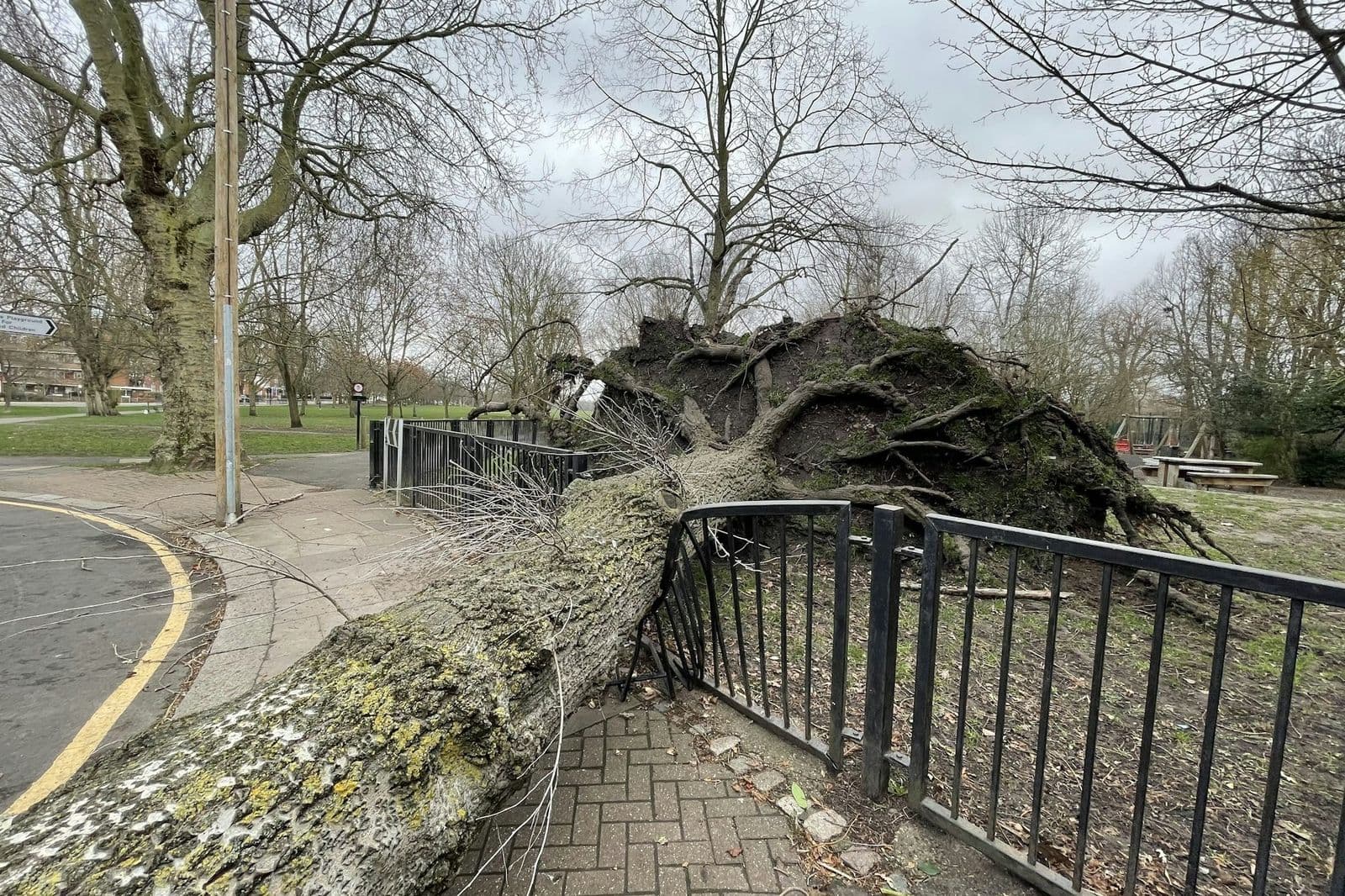
The biggest Hurricane Helene business continuity lesson for phones is simple: your business number should not depend on your building. When the office loses power, calls should ring someone's cell phone or reach a clear message, not go dead.
Two weeks ago, Helene moved through Georgia. On September 26 and 27 it brought heavy rain, high winds and downed trees across the state. Georgia Power's updates counted hundreds of thousands of customers without power. Here in metro Atlanta, we had outages, flooding and trees on power lines too. Many of our neighbors are still cleaning up, and some are dealing with real loss. If that is you, we are thinking of you.
What Did Georgia Businesses Learn About Their Phones?
A lot of owners told the same story last week. The building was fine, but there was no power, so the phones were dead. Customers called, got nothing, and assumed the business was closed for good.
The office is not the phone. With a cloud-hosted phone system, your number is not tied to the building. If the office goes dark, calls can ring the Telonium app on your cell phone or laptop instead. The caller does not know or care where you are standing. They just hear you answer.
If your phones still depend on equipment in a closet, this is a good time to ask whether that still makes sense. We wrote a step-by-step business phone hurricane preparedness plan last month that covers the setup.
Why Should You Tell Callers You Are Closed?
Silence is worse than bad news. A short message telling callers you are closed, that you are safe, and when you expect to reopen does a lot to keep their trust.
Record a storm message on your phone or computer, upload it as an audio file (MP3), and point your main number to it. It takes a few minutes. You can change it again as things improve: "closed today," then "open with limited hours," then back to normal. Keep each version short and update it every day or two, so callers know the message is current.
How Do You Get Messages When You Cannot Reach the Office?
When you cannot get to the office, voicemail stuck on a desk phone is no help. With voicemail to email, each message lands in your inbox with the recording attached. You can listen from anywhere you have signal, and call back from the app with your business number.
Several owners mentioned that their cell service came back before their home internet did. The Telonium app works over your phone's cell signal (4G or 5G) as well as Wi-Fi, so a phone with signal is enough to keep taking calls.
How Do You Handle the Flood of Calls After a Storm?
After a storm, calls come in waves. Customers want to know if you are open, insurance companies and suppliers call back, and staff check in. One person cannot handle all of it.
A call group rings several people at once, so whoever is free can answer. If your team is scattered, each person can answer from their own app. If it gets really busy, a call queue lets callers wait in line with hold music instead of going to voicemail, and hands calls out one at a time.
It also helps to set a backup number for your account. If the system cannot reach your phones, calls go to that number instead of failing.
Recovery also brings paperwork: insurance claims, permits, supplier forms. If your fax line went down with the office, virtual fax lets you send and receive faxes as PDFs by email from anywhere.
One note on paperwork of another kind: on October 1, the IRS announced tax relief for Helene that covers all 159 Georgia counties, so check with your tax professional about which deadlines moved for you.
A Short Checklist for the Next Storm
- Make sure your main number can ring cell phones through the app.
- Keep a storm greeting recorded and ready to switch on.
- Send every voicemail box to an email someone checks.
- Set up a call group so more than one person can answer.
- Set a backup number, such as the owner's cell phone.
- Move faxes to email so they do not depend on the office.
- Write down our support number, 404-566-8888. Emergency support is available 24/7.
Frequently Asked Questions
Can I Change My Greeting from Home?
Yes. With a cloud phone system, you upload greetings and change where your number sends calls online, so you do not need to be at the office. If you get stuck, call our support team.
Can Customers Still Reach Us If Our Office Internet Is Down?
Yes. Calls can ring the app on cell phones over the cell signal, and a backup number catches calls if the system cannot reach your phones at all.
We have been an Atlanta company since 2011, and storms like this hit close to home. If you want help making your phones more storm-ready, or you just need to change your greeting today, give us a call at 404-566-8888.
This article is general information, not legal, tax or compliance advice. Laws, carrier rules and prices change; check with your attorney or adviser before relying on it for your business.
Set Up Your Business Phone System Today
Pick your numbers, keep the ones you have, and add your team. Sign up online in about ten minutes; we usually approve accounts within one business day.
More in Small Business Tips

Holiday Phone Schedule 2026: Plan It Before Thanksgiving
Plan your holiday phone schedule now: Thanksgiving is Nov. 26, and Christmas and New Year’s fall on Fridays. Enter each closing in your holiday hours ahead.

How to Compare Business Phone Plans Side by Side
To compare business phone plans fairly, total the monthly cost for your team, list what each plan includes, then add numbers, extras, taxes and fees.

Customers Who Text STOP: What Changes Nov. 25
For customers who text STOP, new rules start Nov. 25: honor seven stop words, say how to opt out in each text, and a stop on reminders can cover just reminders.